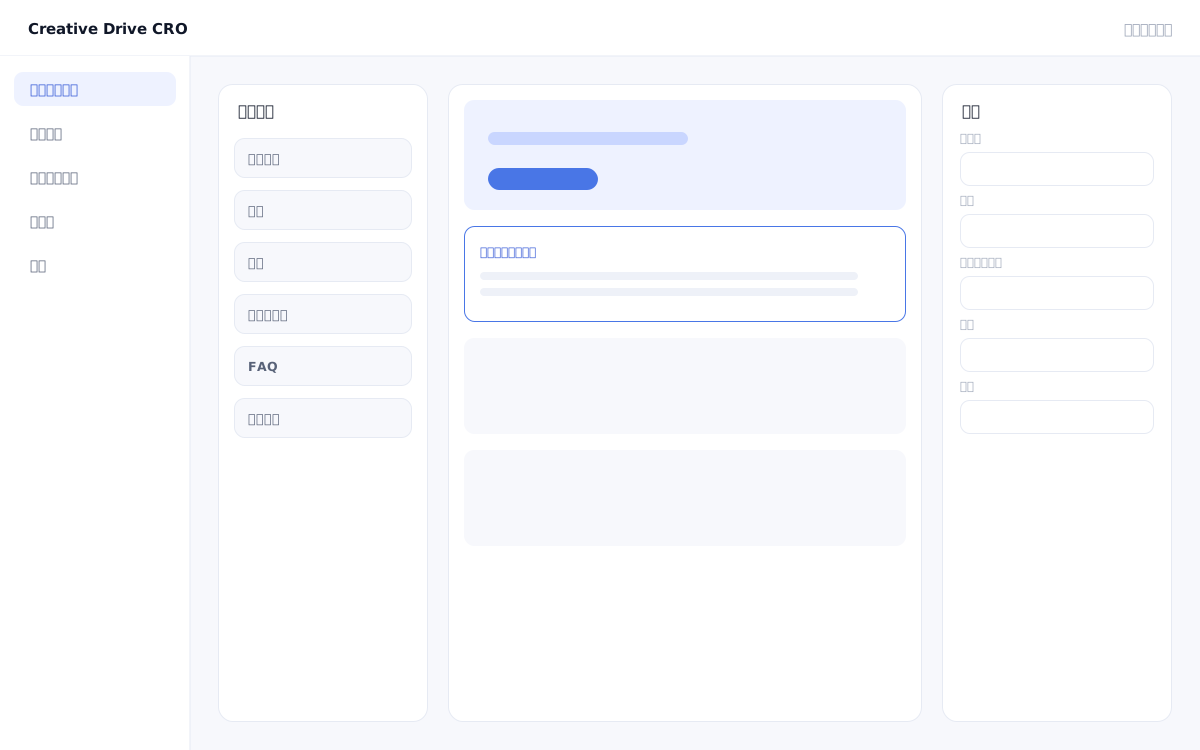
Marketers often face challenges such as "engineering requests are required," "CMS operations are complex and knowledge is siloed," and "each update requires a release process that takes time" when they want to change the page structure of LPs or websites.The Creative Drive CRO block editing feature allows you to build and edit pages by combining blocks without writing any code.Arrange 40 types of blocks using drag & drop, and freely combine text, images, pricing tables, FAQs, and more to complete your LP.
The Creative Drive CRO block editing feature manages pages as a collection of blocks.Each block — such as headings, body text, images, pricing tables, and FAQs — can be added, deleted, and reordered via drag & drop, and the text, colors, and spacing of each block can be edited from the properties panel.Color schemes, fonts, and button styles across blocks automatically conform to the project's common design rules, so your design stays consistent simply by combining blocks.PC and smartphone layouts can be checked in real-time preview, and smartphone-specific adjustments can also be configured on a block-by-block basis.The created LP can be used directly for A/B testing, content segmentation, and AI improvement suggestions as part of your campaigns.
With the block editor, you can handle tasks yourself that previously required a request to the development team every time pricing was updated or a new plan was added.Simply select a pricing table block and change the values to automatically adapt the layout for both PC and smartphone.
Move blocks to rearrange your layout—such as placing the achievements block right below the first view or bringing the FAQ section before the pricing table.You can combine with A/B testing to validate the optimal configuration.
Simply duplicate an existing LP as a template, then swap in your campaign's catchphrase, period, and offer to complete a new LP.Compared to building from scratch, you can significantly reduce production time.
When you start by selecting an industry template, the LP structure for that industry is arranged in its initial state.If you are starting from scratch, add blocks to a blank canvas.
Drag and drop blocks from the left panel onto the page.You can change the order of blocks using the arrow buttons, and duplication or deletion can be completed with a single click.
Select a block to display its properties in the right panel.Edit text inline, upload images, set button link destinations, and more.
Use the PC/smartphone toggle button at the top of the screen to check the actual display.If the layout is broken on smartphones, adjust the responsive settings for each block.
Clicking the "Publish" button will immediately apply changes to production.When running an A/B test, set the current page as the control, configure the differences in a separate variant, and start delivery.
You can start by placing a single line of tag.
Contact Us