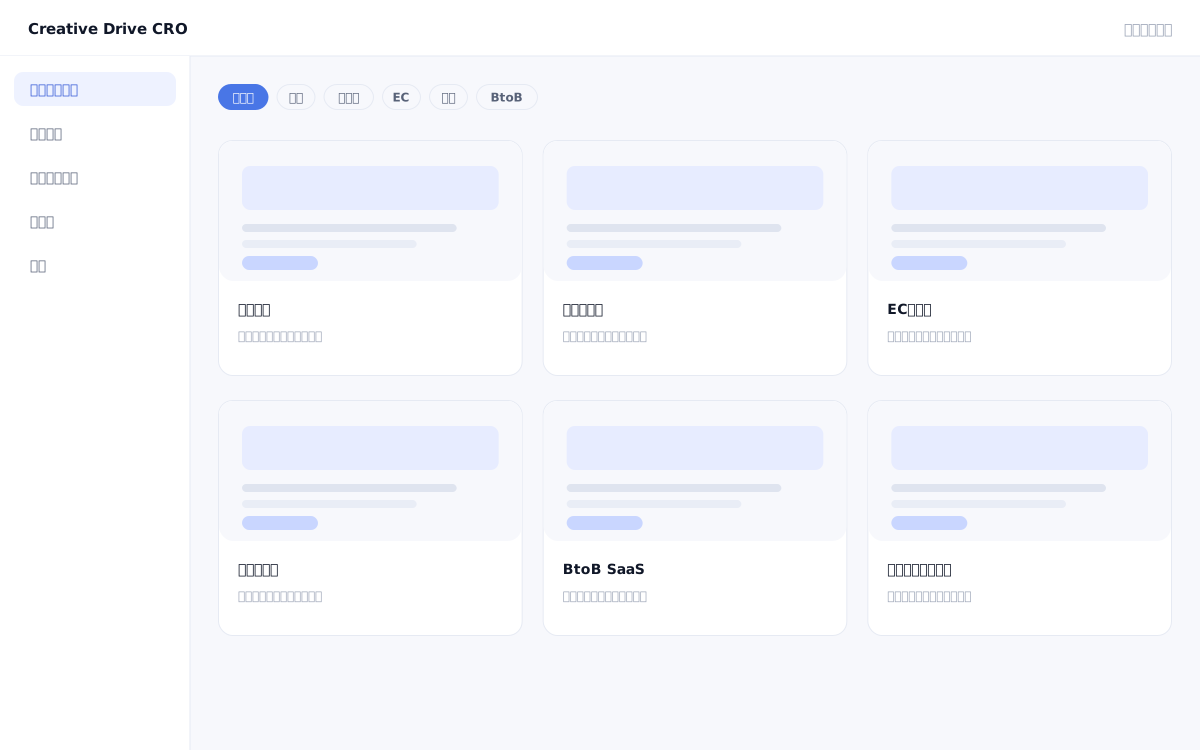
Every time you create an LP, designing the page structure from scratch is time-consuming, and know-how about "which sections to include" and "what messaging works for each industry" tends to become siloed within individual team members.Creative Drive CRO's industry templates provide presets of proven LP structures and default messaging for 9 industries, including staffing, real estate, e-commerce, finance, B2B, and beauty.Simply select a template to start creating based on best practices for your industry.
The Creative Drive CRO industry templates provide a set of recommended LP structures designed based on CV improvement data by industry, along with interest weights (initial score values) used for content targeting and scoring.When you select a template, the LP editor will open with a block layout suited to that industry pre-configured as the initial state.Each block contains placeholder text, so you can complete the page simply by overwriting it to match your product and messaging.You can also save LPs you have created as templates and share them across all projects.
The BtoB template comes pre-configured with sections for problem statement, feature description, case studies, pricing, FAQ, and CTA.Simply replace the product-specific wording to complete the first draft of your LP, dramatically reducing the time from kickoff to launch.
You can save the structure, block layout, and appeal patterns of LPs that have delivered results in the past as templates and share them within your organization.With new projects, you can start with your company's knowledge already carried over, without having to design from scratch every time.
By referencing templates shared across all projects, you can efficiently create LPs with a unified structure even when handling multiple projects in the same industry.
Select an industry on the new LP creation screen.Choose from templates for 9 industries, including recruitment, real estate, e-commerce, finance, BtoB, beauty, and more.If you have your own template, select it here.
The blocks in the template contain placeholders such as "[Product Name] solves your challenges."We will rewrite this to match our own products and messaging.
The template structure is merely a starting point.Delete sections that are unnecessary for your own products (e.g., comparison tables may not be needed depending on the industry) and add any required blocks.
When using content distribution or scoring features, check the initial score value of the template.Adjusting the interest weights to match your own products and services enables more precise personalization.
Save LPs that have produced results from A/B tests and CRO initiatives as templates.Using it as a base for future productions with the same structure helps accumulate knowledge.
You can start by placing a single line of tag.
Contact Us