Creative Drive CRO Contact Us

Top / Feature / Campaign and Indicators

Improve

Campaigns and Indicators

Displays time-limited banners, current viewer counts, and recent sign-up notifications only to users who meet the specified conditions.Use real data only.

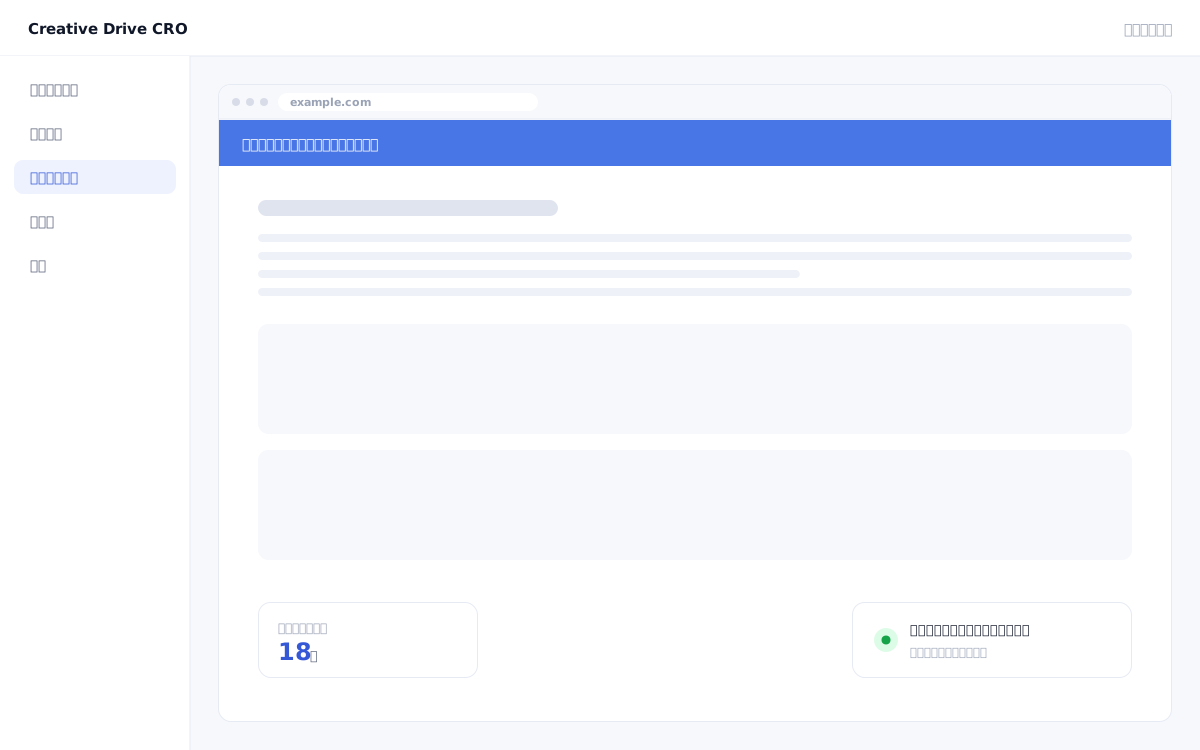
Campaign and Indicator screen

Urgency appeals such as "Only 3 spots left" or "Today only" can instantly damage trust the moment users realize the numbers are fabricated.Additionally, the practice of requesting engineers to display a limited-time banner and then manually removing it after the period ends is labor-intensive.The Creative Drive CRO campaign indicator feature displays widgets based solely on actual measurement data (view counts, application counts, and inventory counts).By displaying messages only to visitors who meet your criteria—without using any fabricated numbers—you can drive purchase intent while maintaining credibility.

We solve these challenges

What you can do

How it works

The Creative Drive CRO widget feature consists of indicators that display real-time data collected by measurement tags (concurrent viewers, cumulative sign-ups, and inventory count), as well as campaign banners that are shown based on specified time periods and visitor conditions.The display period is automatically managed by the start and end date/time, so there is no need to request engineers to post or remove content.By integrating with the content targeting feature, you can also set conditions to "display only to specific segments."Widgets can be applied site-wide or to specific pages, as long as the Creative Drive CRO tag is installed on those pages.

Use it in situations like this

Automatically display and dismiss the banner only during the campaign period

Simply set a start date and end date, and the campaign banner will automatically appear during the specified period and disappear as soon as it ends.Requests to engineers for installation and removal will no longer be necessary.

Display the number of people currently viewing to encourage undecided visitors to take action

Display "Currently ○○ people viewing" with the actual concurrent viewer count.On pricing and comparison pages for B2B products, it functions as a scarcity appeal based on real data.We do not provide fictitious numbers.

Show campaign appeals only to specific segments

Combined with display conditions, you can configure settings such as "show a limited-time discount banner only to returning visitors via retargeting ads" or "announce a campaign only to visitors from specific regions."

Getting started

01

Select a widget type

In the admin panel, select the widget type, such as campaign banner, live visitor count indicator, or sign-up notification.

02

Set the display period and conditions

Set the start date/time and end date/time.To show content only to specific visitors, combine display conditions.

03

Specify the page and position to display

Set whether to display on all pages or specific URL pages, and select the display position on the page (top fixed bar, modal, or inline).

04

Preview and start delivery

Preview the display to confirm, then start delivery if there are no issues.It will be automatically hidden after the period ends.

FAQ

Where do you get the numbers to display?
Uses actual view counts and application counts collected by the Creative Drive CRO measurement tag.You cannot set fictitious numbers or fixed values.
Will the campaign disappear automatically when it ends?
Yes.By setting an end date and time, the item will automatically be hidden as soon as the period ends.Manual deletion is not required.
Can I configure settings separately for the entire site and for specific pages?
Yes, you can.You can choose whether to display on all pages or only on pages matching a specific URL.You can also combine with display conditions to control whether content is shown or hidden based on visitor attributes.

Related features

WEB customer engagement targetingChange by entry page, traffic source, visit count, region, and device.Edit Live PageOnly the differences will be applied on top of the existing site.AI improvement suggestionsJust approve it and the changes will be applied.The wording will also be displayed.

You can try it with your current site as-is

You can start by placing a single line of tag.

Contact Us